Writing a prompt
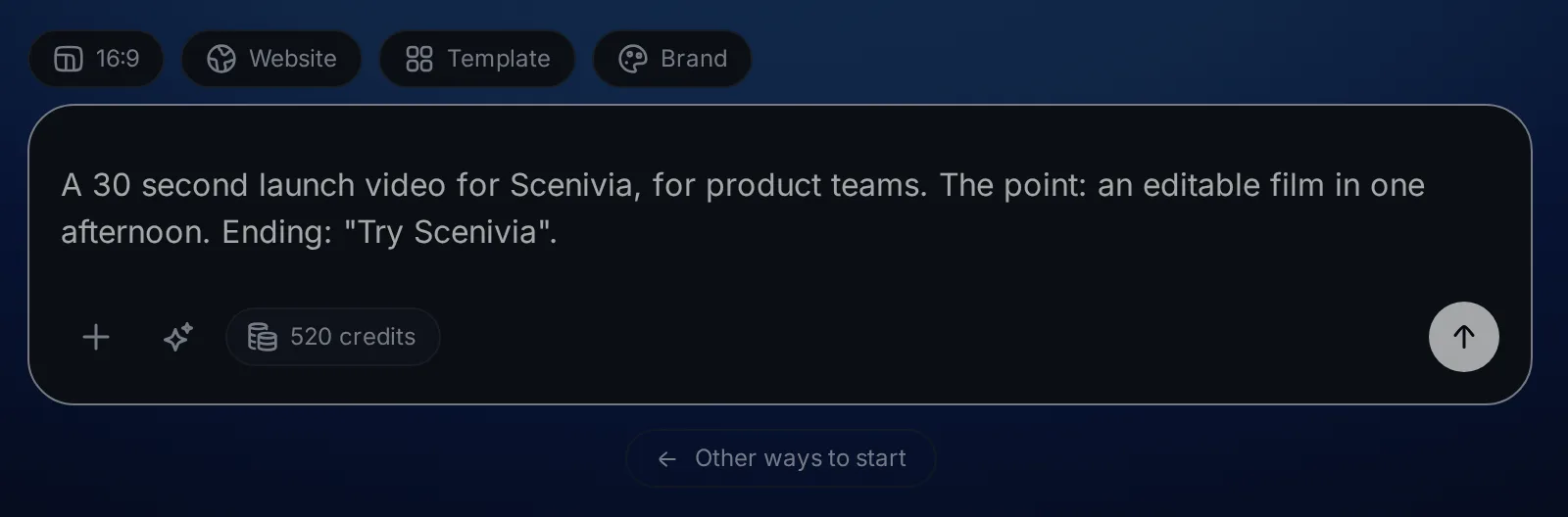
The composer takes a description of a video. The difference between a film that lands and one that does not is almost always in that description, and it is four sentences of work.
What a good prompt says#
"A video for my app" gives Via nothing to work with, so it invents a product, an audience and an ending, and none of them are yours. Four things are enough to avoid that.
- The product
- What it is, in the words your own site uses.
- The audience
- Who is watching. A film for developers is not the film for buyers.
- The point
- The one thing they should remember thirty seconds later.
- The ending
- What the last shot asks them to do.
The improve button#
In the editor, beside the plus button of the message box, Improve this prompt rewrites what you typed into a fuller brief: what the video shows, roughly in what order, and how it ends.
It never invents a product, a customer or a number you did not mention, and it never sends anything. The rewrite lands in the field for you to read, and the same button, now Put my own wording back, returns your text.
What the box will not do#
It makes videos about products, and it says so rather than trying when you ask it for something else. A question that is not a video request comes back as a refusal, not as a film about nothing.
It does not film your interface for you either. A shot you describe without a screenshot becomes an animated visual drawn from your words, not a picture of your real screen. To show the real thing, import it.