Documentation
How Scenivia works, screen by screen: starting a video, writing a brief, editing every shot, and getting the film out.
Getting started
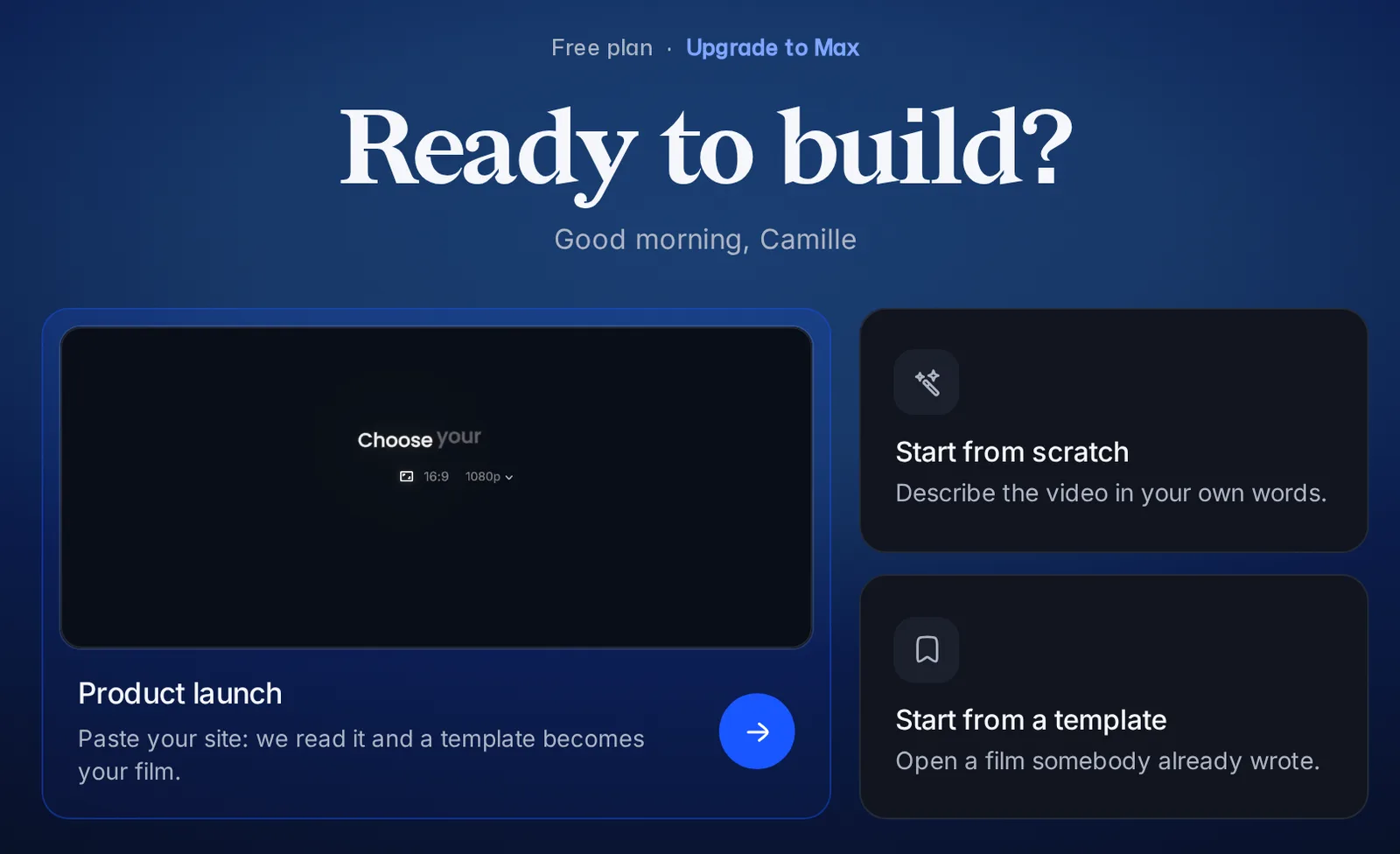
Scenivia turns what you know about your product into a motion design film you can still edit shot by shot. Your first video takes one afternoon at most, and the home page opens on the only question that matters: what are you making?
3 min readReadGetting started
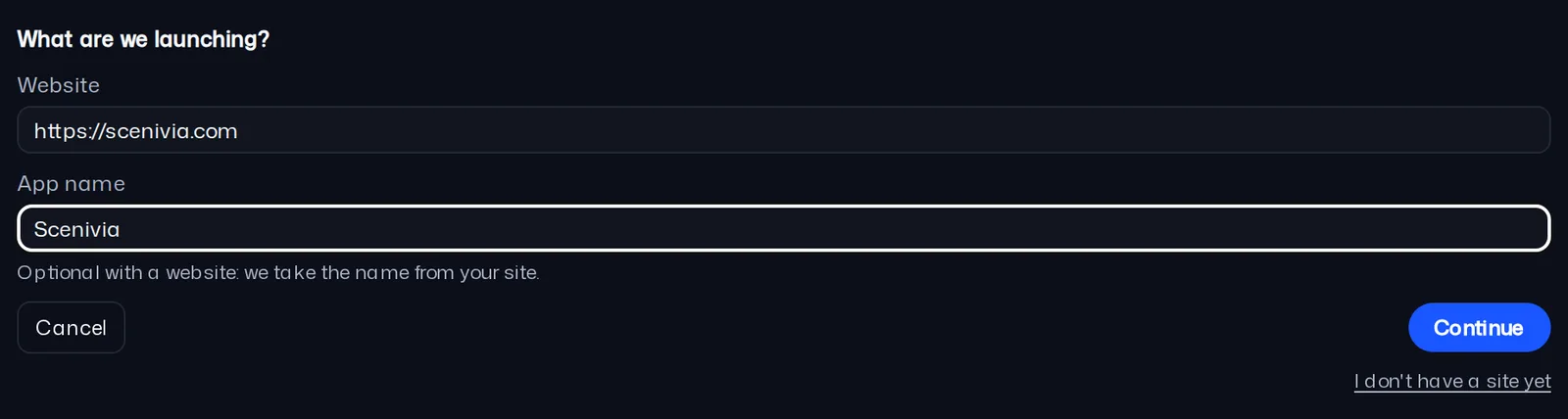
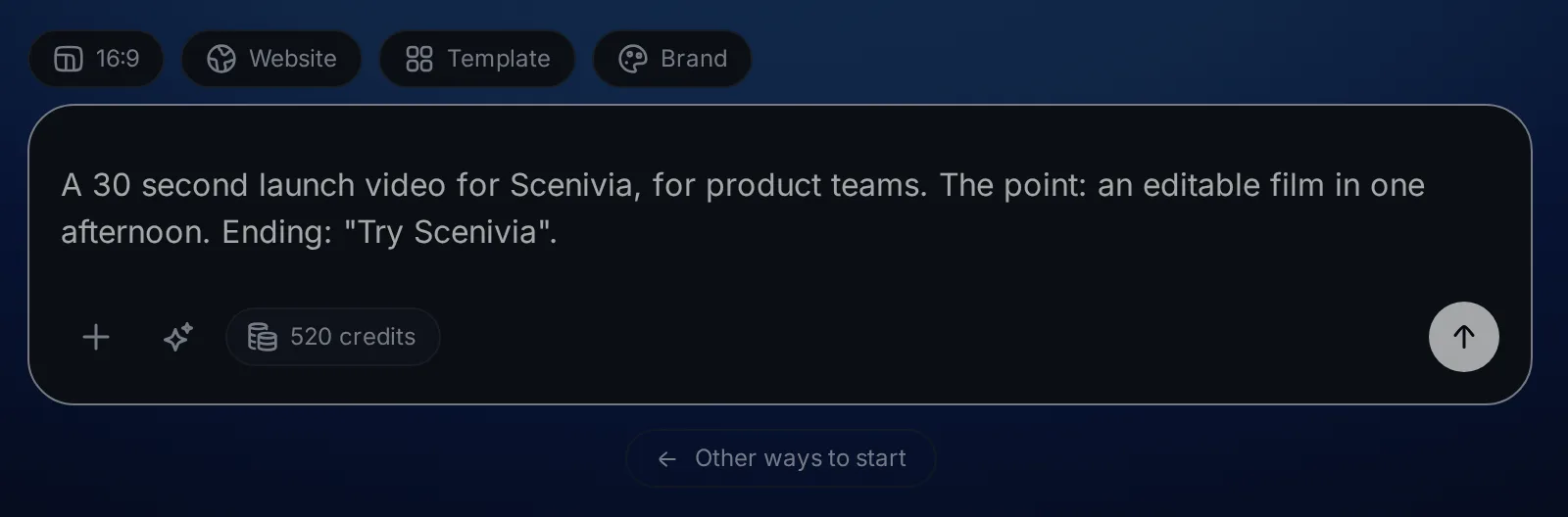
Open a project, answer Via or write the brief yourself: your first video in an afternoon.
Making the video
Fix each shot on the stage, bring in your screenshots and sounds, or start from a film already written.
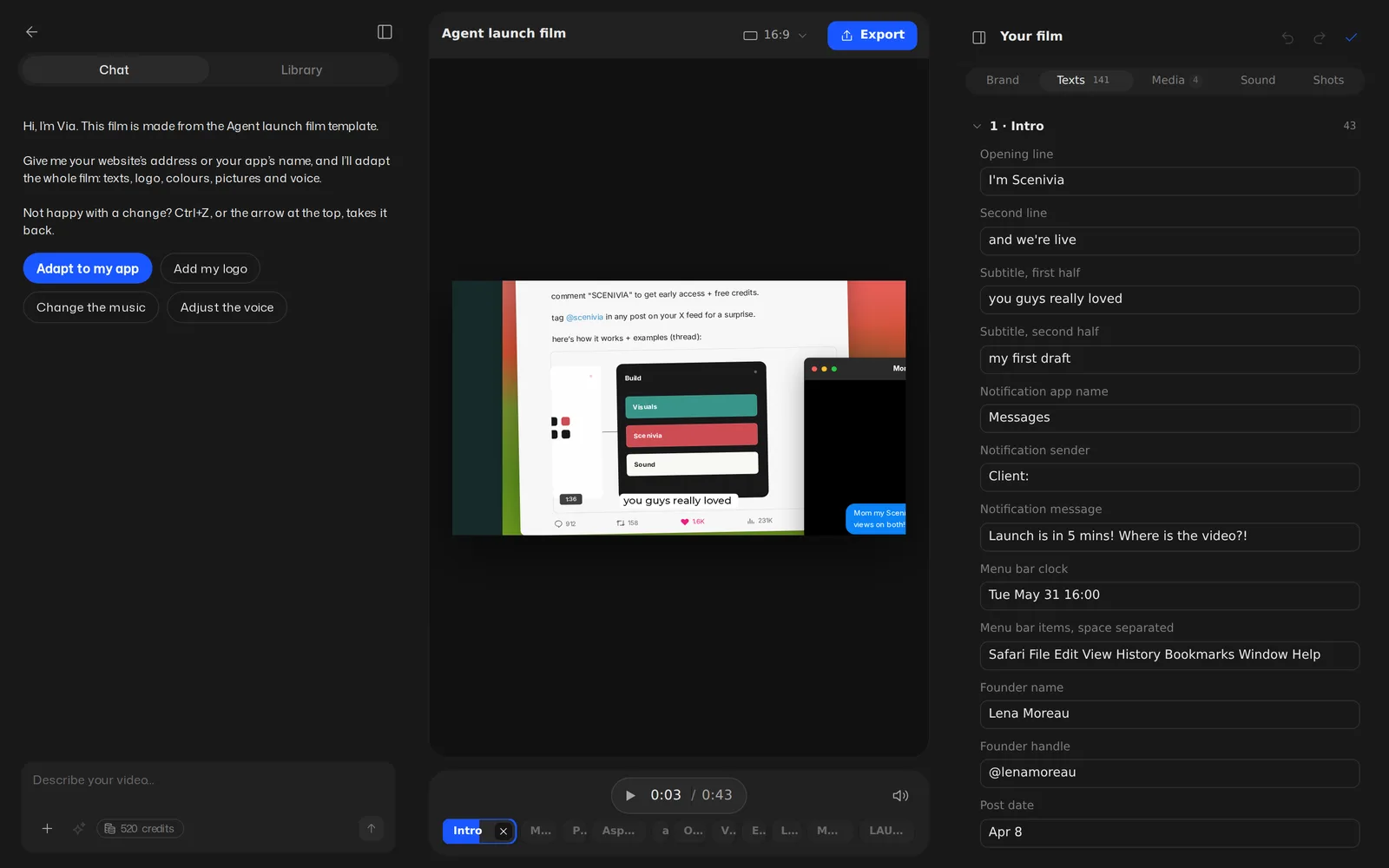
Editing your video
The board, the timeline, and the panel where the whole film and each shot are corrected.
4 min readVideo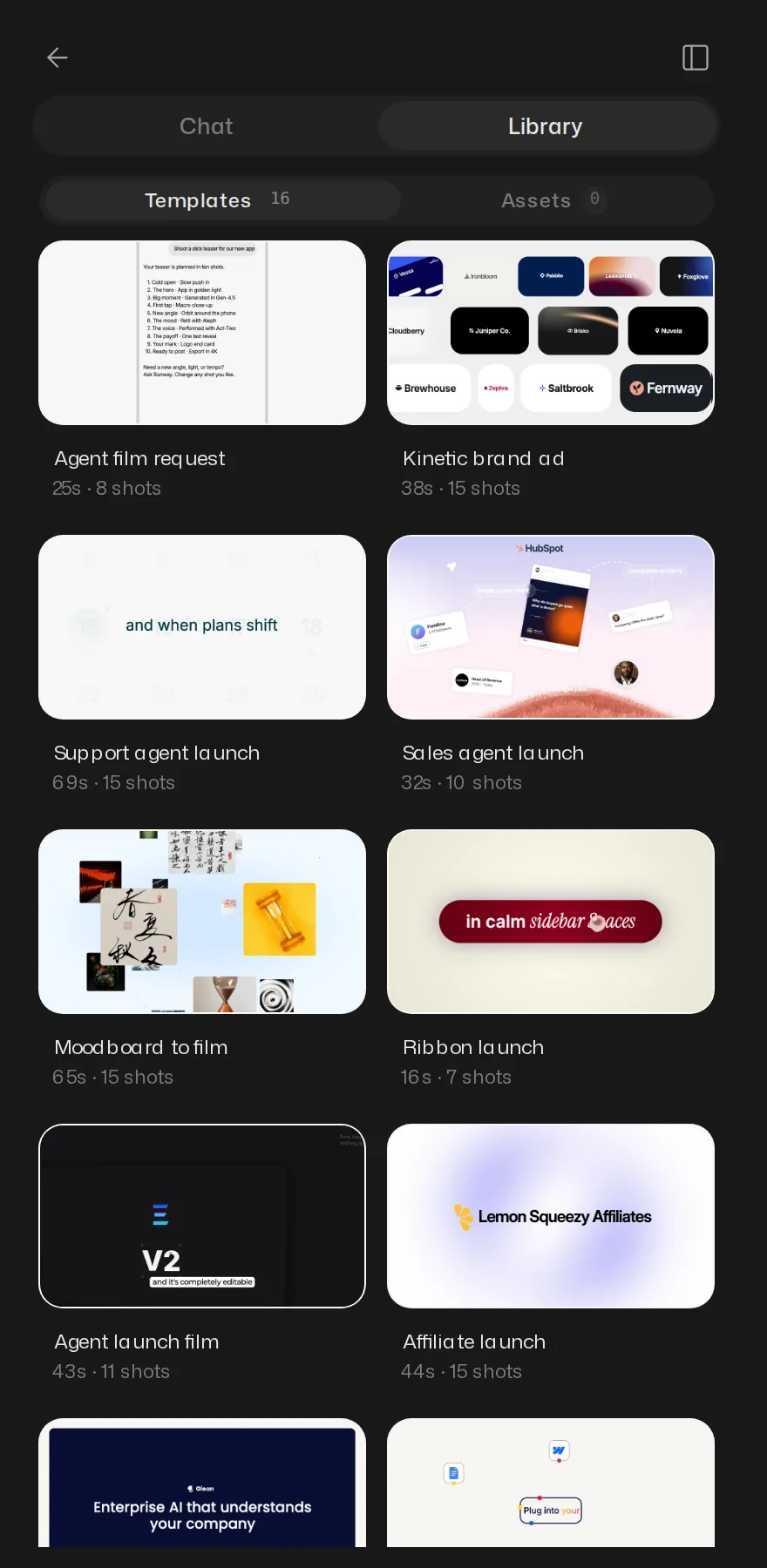
Your own images and sound
Importing screenshots, video, audio and typefaces, and where they land.
2 min read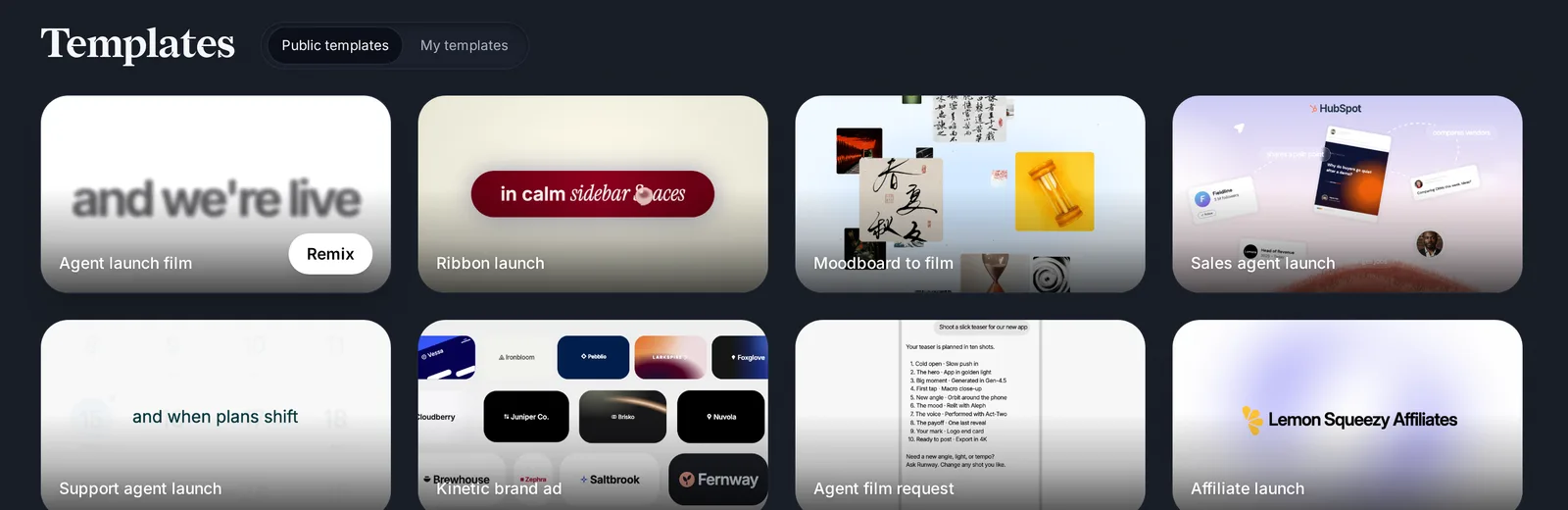
Starting from a template
A film somebody already wrote, with your words in it.
1 min readVideo
Delivering it
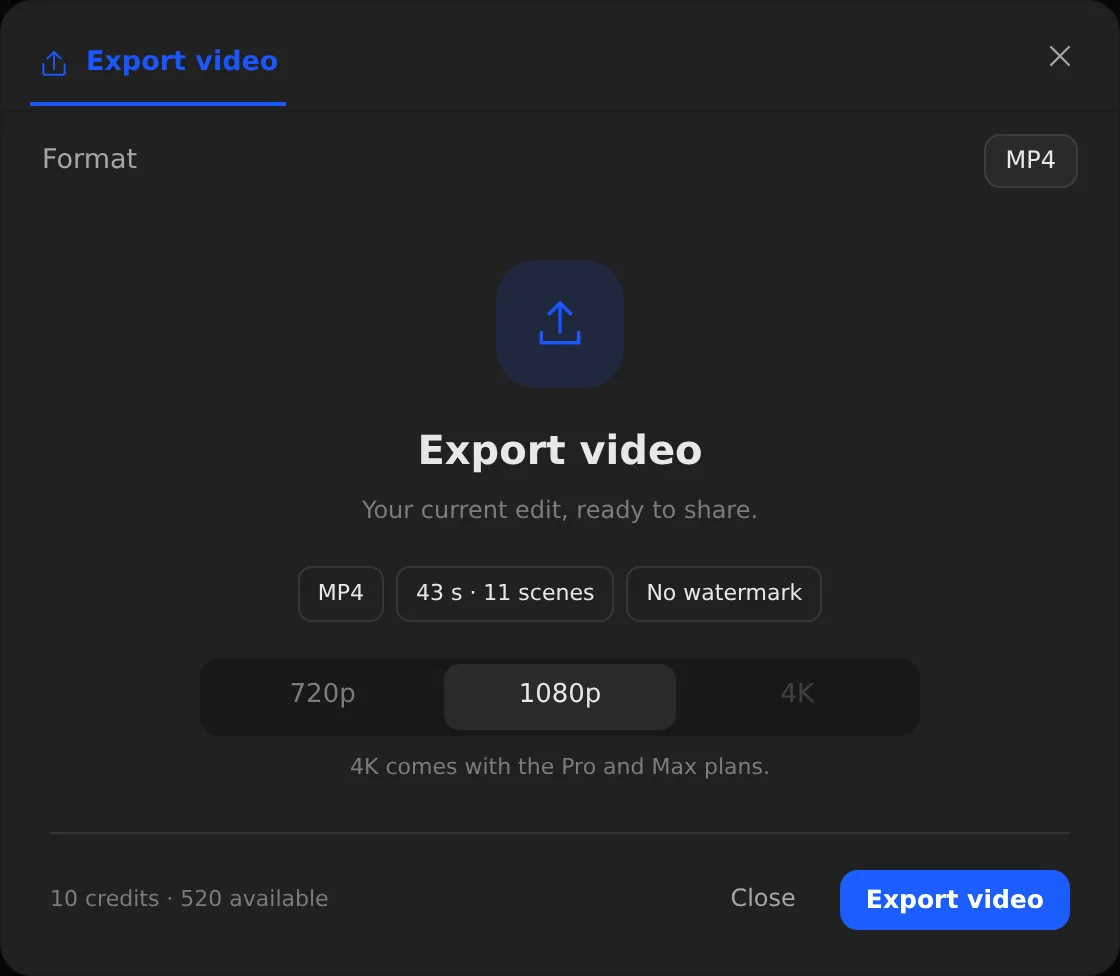
Get the file out, find it again in Exports, and know what costs credits.