The guided brief
Product launch is the start for people who have a product rather than a script. Instead of a blank field, Via reads your website, shows you what it found there, and you correct what it got wrong. Your film then starts from one of our templates, adapted to your brand and your words.
On this page
How the interview runs#
It opens as a conversation with Via. Nothing is generated while you answer, and nothing is charged: you are writing a brief, not making a video yet.
You reach it from Product launch on the home page, from the Website chip of the composer, or from a description that names your product: Via then finds the site and asks you to confirm it, and the interview starts from what you already wrote.
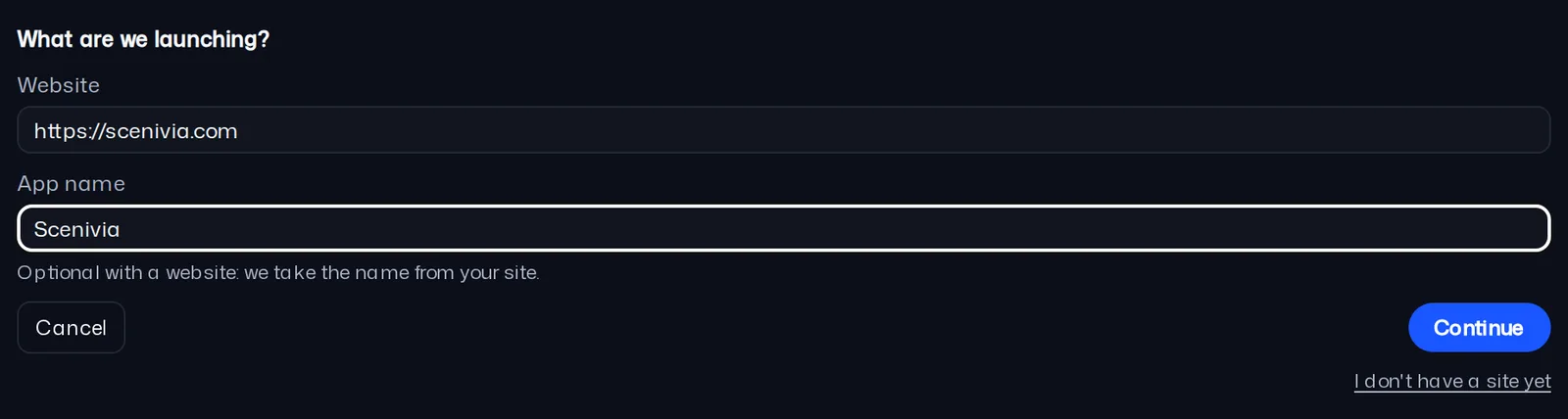
- Give the address of your website and the name of your product, then press Continue.
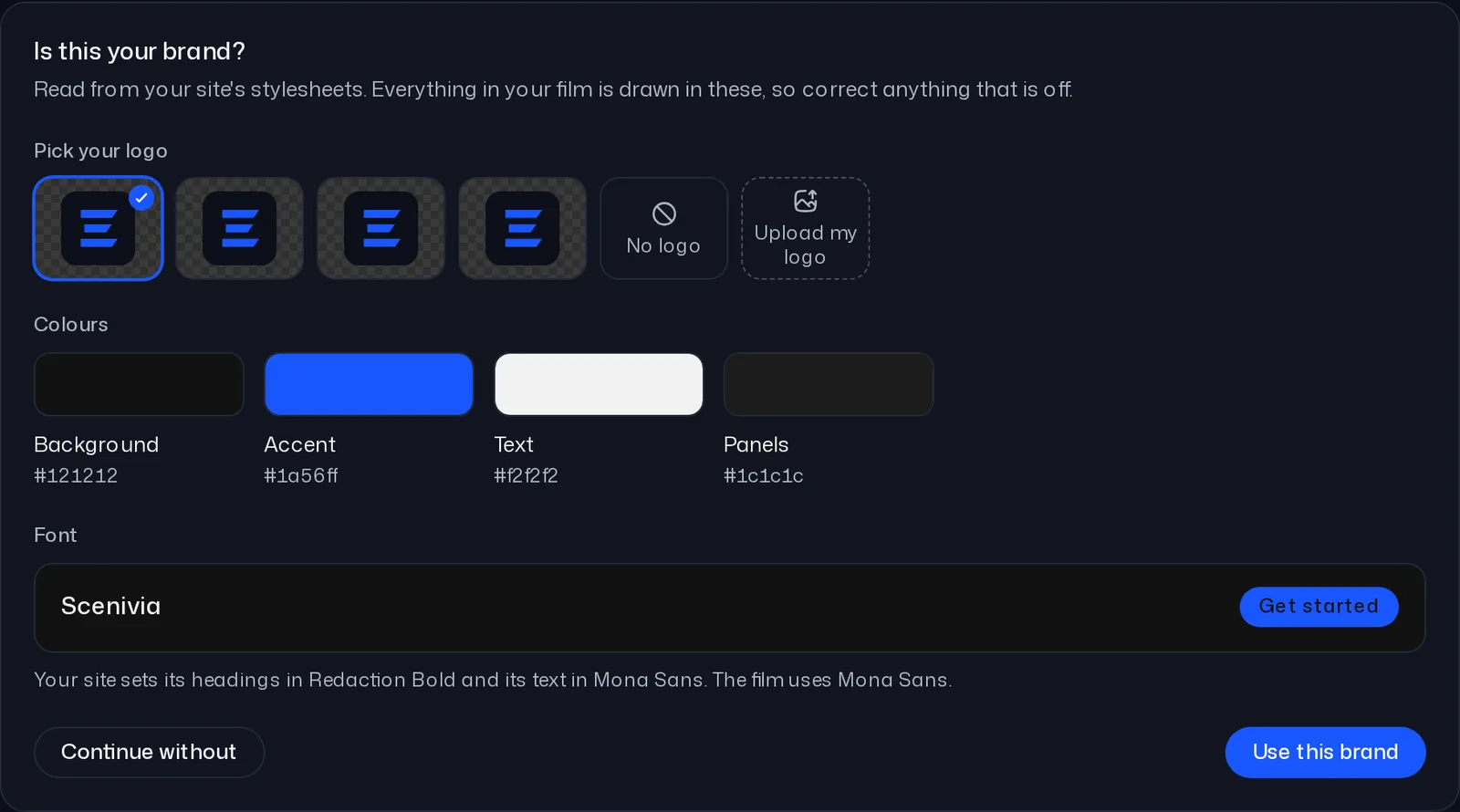
- Check the brand Via read on your site: logo, colours and typeface.
- Say what kind of video you want: a full launch, one feature, or an ad.
- Check the recap of what your site says: the product, its main feature, the problem and the promise, who it is for, the goal and the call to action. Every line is yours to correct, and your screenshots can be added here.
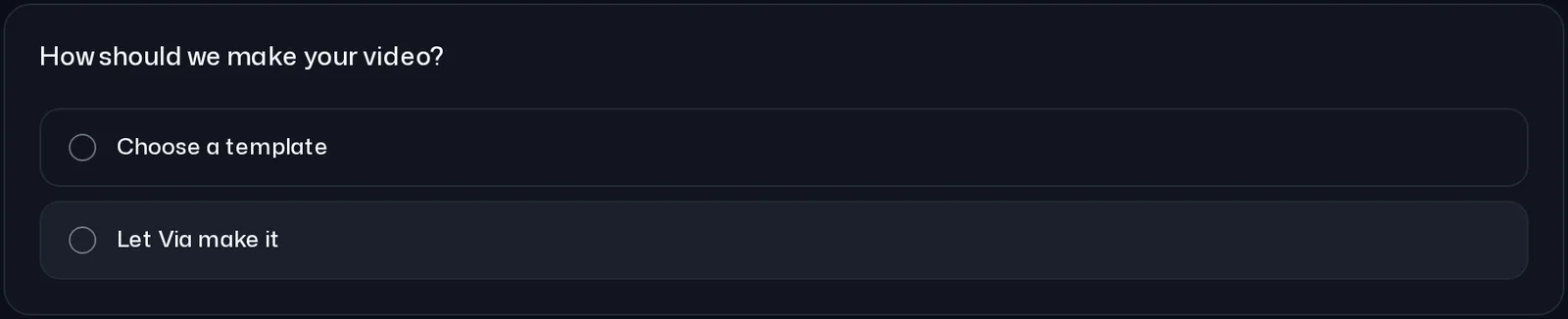
- Answer How should we make your video?: Choose a template to pick one yourself, or Let Via make it and Via picks the template that fits your product best.
Your brand, before anything is drawn#
When your site gives Via something to read, it shows a brand card: your logo, the colours of the film (background, accent, text and panels) and your typeface. Every shot is drawn in them, so this is the moment to correct a colour that is off.
Use this brand keeps the card as it is, and saves it as the project’s brand. Change a colour and the button becomes Use my colours. Continue without leaves the components in their own look.
Your screenshots#
The recap shows the pictures found on your site and takes your own screenshots. They fill the picture places of the template, in order. Without any, a template shows its own drawn interface where it has one.
A picture you send with the plus button of the message box while that question is open is added to the film straight away, and Via says so. Files sent earlier in the interview are kept on the project and listed there.
Proposals, never facts#
What comes back from your website is a menu, not a decision. Every list is something to pick from or to replace with your own words, and nothing is written into your brief until you choose it.
If your site cannot be read, the reason appears under the address so you can correct it and try again, or press Continue without the site. A few questions then come with an empty field: the feature, the problem, the promise and the screenshots, answered in your own words, before the same last question.
From your answers to the film#
Choose a template lists the templates, the closest match to your product first, each with its number of shots and how many picture places it has for your screenshots. Press one and the film is made from it.
Either way, the template is adapted to your brand and your answers, and Via says which one it used. The film lands on the board and the timeline, ready to be corrected shot by shot.
While Via makes the video, the rest of the editor waits and says "Available once your video is ready". Reload the page or come back later: the build picks up where it was.