Starting from a template
A template is a finished film with the writing already done: the shots, their order, their timing and their motion. Opening one gives you a project of your own, and nothing you change in it touches the template anybody else opens.
On this page
Picking one#
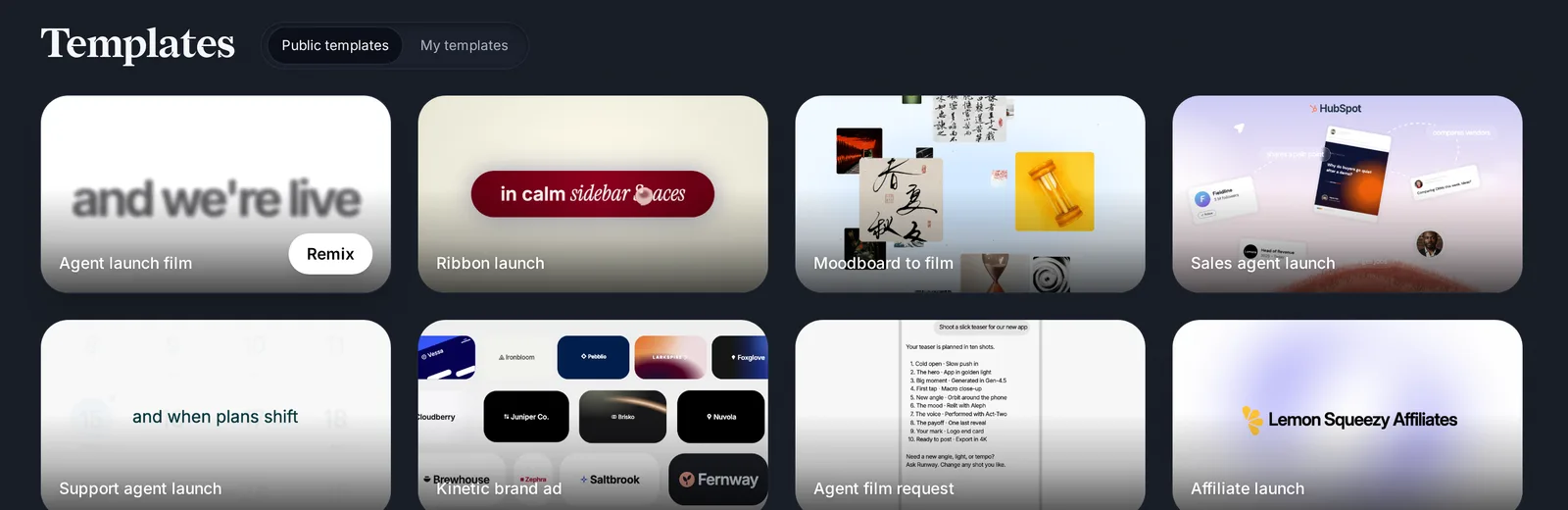
Templates live under Templates in the sidebar, on the Public templates tab, and behind Start from a template on the home page, and the Template chip of the composer. Each card plays the film when you point at it. Pick by the story you need to tell, not by the colours, which you are going to change anyway.
Picked from the composer’s Template chip with your website beside it, a template is adapted to your product before it opens: your words, your pictures and your brand take the places of its own.
- Point at a card to watch the film.
- Press Remix. A new project of your own opens in the editor, with the template on the timeline.
Making it yours#
Work through it shot by shot. The texts and pictures of a template are edited on the board like any other: double-click a text to replace its words, drop your screenshots into the picture fields, set your colours and your typeface. The motion stays, which is the part that took the skill.
Shorten it by deleting a shot rather than by trimming every one of them: a film that keeps all its beats at three quarters speed reads as rushed, where a film with one beat fewer just reads.