How to turn screenshots into a product demo video
A folder of screenshots is raw material, not a storyboard. Here is how to select, order and frame them so the result reads as a demo instead of a slideshow.
Tom - Scenivia
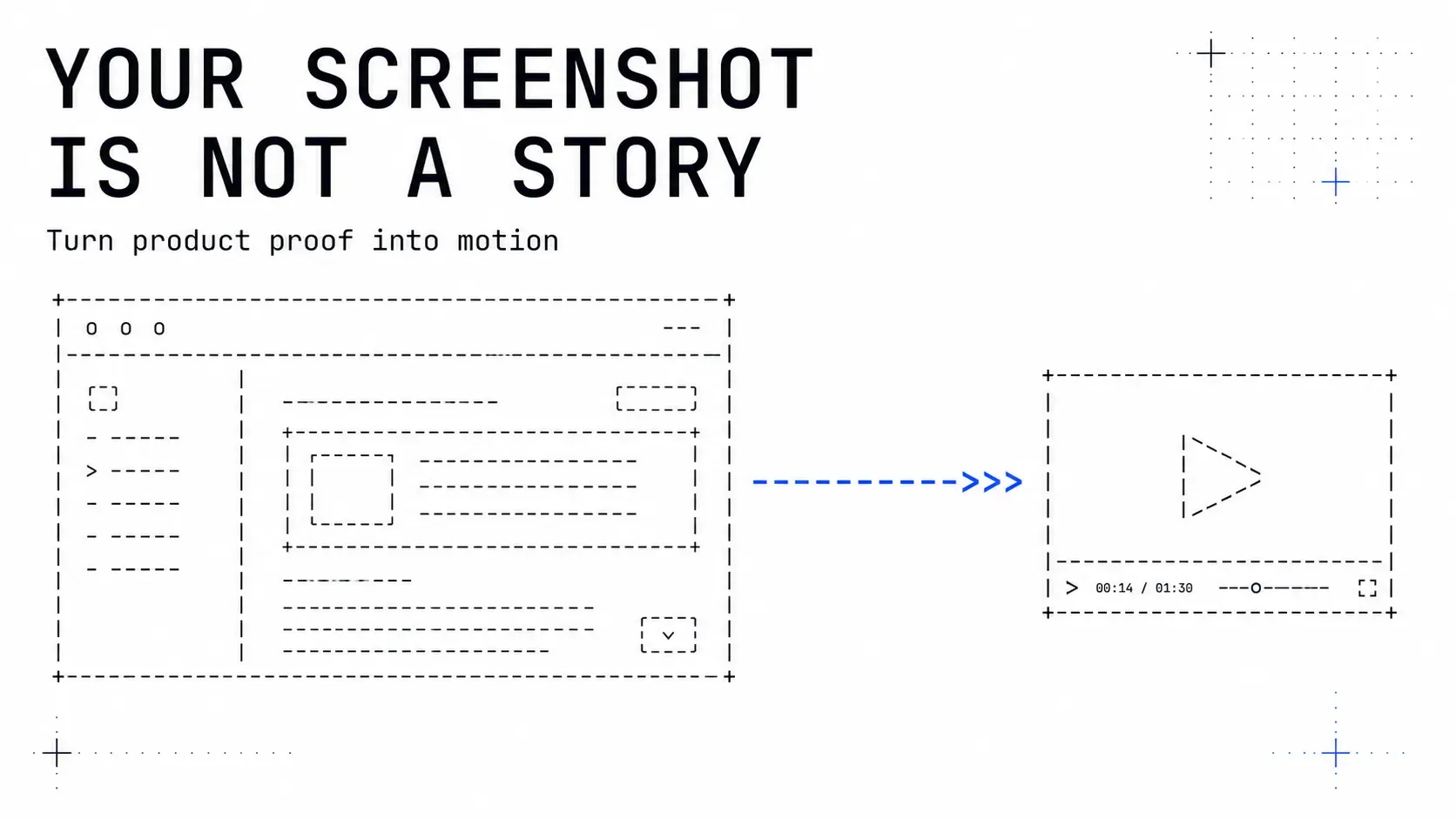
A folder of screenshots is raw material. It is not a storyboard, and the gap between the two is where most product demos turn into slideshows.
The difference is causation. A slideshow shows states. A demo shows one state becoming another, and the viewer understands why. Everything below is about manufacturing that "why" out of still images.
Select against a claim, not against coverage
The instinct is to capture every screen so nothing important is missing. That instinct produces a tour, and a tour is the least persuasive thing you can make.
Instead, write the claim first: "Setting this up takes one screen instead of four." Then keep only the screenshots that prove it. Usually there are three or four.
A test that works: if you removed a screenshot, would the claim still be proven? If yes, remove it. Coverage is a documentation goal. Demos have a persuasion goal, and the two pull in opposite directions.
Order for change, not for navigation
Do not order screenshots the way a user would navigate. Order them so consecutive frames differ in exactly one meaningful way.
Two screenshots that differ in one thing read as cause and effect. Two that differ in six things read as two unrelated pictures, and the viewer spends the scene doing a spot-the-difference puzzle instead of following your argument.
This is often worth faking. Recapture a screen with only the target state changed, rather than using the two real screenshots you happen to have.
Frame tighter than feels right
A full application window at 1920x1080 makes every element too small to read in the two or three seconds it is on screen. Almost every effective product demo scene is a crop.
Pick the region that carries the change and frame to it. If two regions matter, that is two scenes, not one wide shot. A camera move between them is legitimate and earns 800 to 2000ms, which is the only motion weight allowed to take that long.
Clean before you crop: remove real customer data, use plausible content rather than "Test test 123", and make sure the state you want read is the state that is actually visible.
Give the eye somewhere to land
A static screenshot gives the eye no instruction. Something has to say where to look, and you have three honest options.
Motion. The changing element arrives while the rest is already settled. Arrival reads correctly between 250 and 600ms; below 80ms it is not motion, just a different frame.
A cursor. If the point is that someone clicked, show the click. A cursor that moves and presses is the most legible way to say "a person did this", and it costs nothing.
Contrast. Dim what is not the subject. Blunt, but it works, and it survives compression better than a subtle glow.
What does not work is applying an effect to the whole frame. A drifting zoom on an entire screenshot is motion without information, and it makes small text harder to read while adding nothing.
Budget the words per scene
This is where demos built from screenshots most often break. The screenshot is doing work, so people feel free to write a full sentence of narration over it.
Copy is read at about 160 words per minute, and every line needs 900ms on screen before its word count matters. That gives:
- A four second scene: 8 words.
- A six second scene: 13 words.
- An eight second scene: 18 words.
And that budget assumes the viewer is reading the text. If they are also meant to read the screenshot, halve it. A caption over a demo scene should be three to five words, functioning as a label rather than a sentence.
Vertical changes the frame, not just the crop
If the demo is going anywhere vertical, the platform draws over your video: roughly the bottom 22%, the right 10%, and a thinner band at the top 7%.
For a screenshot-driven demo that is brutal, because the bottom of an application window is usually where the primary action button lives. Reframe so the important region sits in the middle band. Do not put a call to action in the bottom fifth of a vertical film, ever.
Assemble, then watch it once with the sound off and once without looking
Two cheap checks that catch most problems.
Sound off, watching: can you follow the argument from the visuals alone? If not, the screenshots are not carrying it and no voiceover will save the video.
Looking away, listening: if there is narration, does it still make sense? If it depends entirely on what is on screen, it is not narration, it is a caption read aloud.
Scenivia takes your screenshots and a short brief, and plans the scenes, framing and timing against these constraints instead of leaving them to a guess. Join the waitlist.