How to write a product video storyboard
A storyboard is not a list of effects. It is a set of decisions about what to show, in what order, and with how many words. Here is the format that survives revision.
Tom - Scenivia
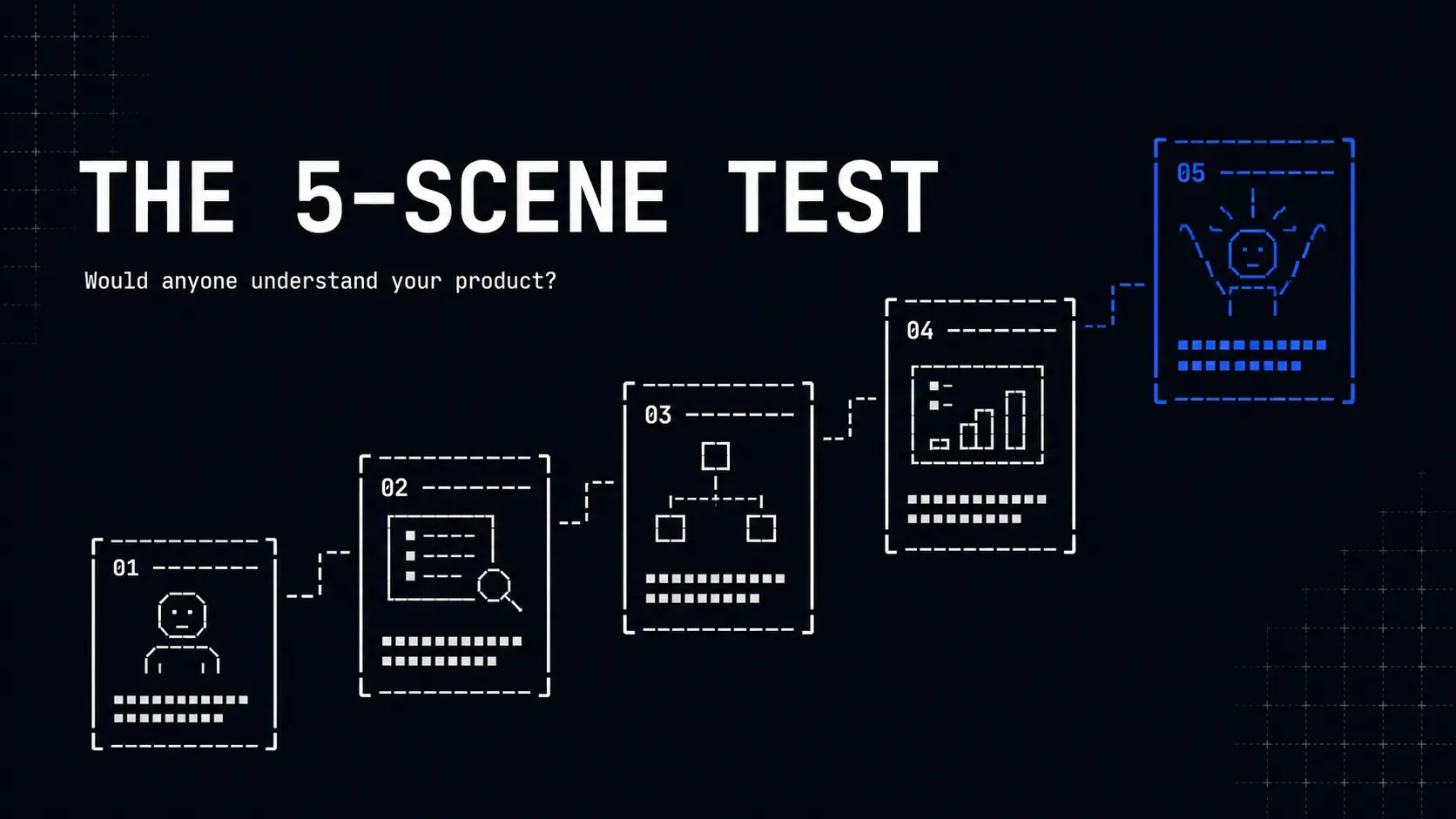
A storyboard is not a description of the animation. It is the set of decisions the animation will carry out, written down before anyone opens an editor.
Most product video storyboards fail because they describe motion ("the card slides in, then the text fades up") instead of intent ("the viewer learns that setup is one screen"). Motion described in prose is a specification nobody can check. Intent is a claim you can test against the finished film.
One line per scene, four columns
The format that survives contact with revision is deliberately small:
| # | What the viewer sees | What they should conclude | Words on screen |
|---|---|---|---|
| 1 | Inbox at 400 unread | This is out of hand | 6 |
| 2 | Import dialog, one file | It starts with one drop | 5 |
| 3 | Rules building themselves | I did not configure this | 7 |
| 4 | Inbox at zero | It worked | 4 |
| 5 | Product name and one ask | I should try it | 5 |
That is a whole 30 second film. If you cannot fill this table, you do not have a storyboard problem, you have a message problem, and no amount of animation will cover it.
The third column is the one people skip and the one that matters. A scene that shows something without changing what the viewer believes is decoration.
The word count column is not optional
On-screen copy is read at about 160 words per minute, well below the 250 or more people manage on a page: each line is met cold and there is no going back. On top of that, every line needs about 900 milliseconds on screen before its word count matters at all, because the eye has to find the text before reading it.
That produces a hard budget per scene:
- 4 seconds: 8 words
- 6 seconds: 13 words
- 8 seconds: 18 words
- 10 seconds: 24 words
Write the number in the column while you are storyboarding, not after. It is the single cheapest place to catch the most common defect in product video, which is copy that is physically present and practically unread.
If a scene needs more words than it has room for, you have three options and only three: give it more time, split it into two scenes, or say less. Shrinking the font is not on the list.
Five to ten scenes
For a 15 to 60 second film, five to ten scenes is the working range.
Below five, each scene runs long enough that the viewer finishes reading and starts waiting. Above ten in a short film you are down to two or three seconds each, which after the hold floor leaves room for about five words: a label, not an argument.
A useful discipline is to write six and cut one. The scene you cut is almost always the one that was there for completeness rather than for the argument.
Decide the transition from the pair, not from a menu
Transitions are where storyboards quietly turn into effect lists. The question is never "which transition looks good here", it is "what is the relationship between these two scenes".
- Same context, different state: a cut. Anything else invents a change of place that did not happen.
- Same subject, closer or wider: a camera move, which is the one weight allowed 800 to 2000ms.
- New context entirely: a transition that reads as a change of place, and only here.
Two consecutive scenes of the same type usually want a hard cut. If your storyboard has a different transition on every line, nobody decided them, they were picked.
Note the intensity once, at the top
Where the film plays changes every duration in it. A landing page film may breathe; the same film in a feed is competing with a thumb.
Treat that as a single decision written at the top of the storyboard rather than a per-scene guess. It scales the moves and the pauses together, which is the point: a fast cut with a slow hold is not urgent, it is badly timed.
Mark the unusable area before you frame anything
If the film is going anywhere vertical, the platform will draw over it: roughly the bottom 22%, the right 10%, and a band at the top 7%.
Put that on the storyboard as a box, not as a note. A call to action written into the bottom fifth of a vertical frame renders perfectly and is invisible to every viewer, and nothing in the editing process will warn you.
Then write the one sentence you would say out loud
For each scene, write the sentence you would say if you were demoing this in person.
If the sentence is longer than the word budget, the on-screen copy is a compression of it, not a transcript. If you cannot produce a sentence at all, the scene has no job. Cut it and give the time to a scene that does.
Scenivia plans this table for you from a brief: five to ten scenes against a 15, 30 or 60 second budget, with the reading time of every line checked against the time it is given. Join the waitlist.