1080p or 4K for a product video: how to actually decide
Resolution is rarely what makes a product video unreadable. Framing, bitrate and the platform's own compression usually decide it first. Here is the order to think in.
Tom - Scenivia
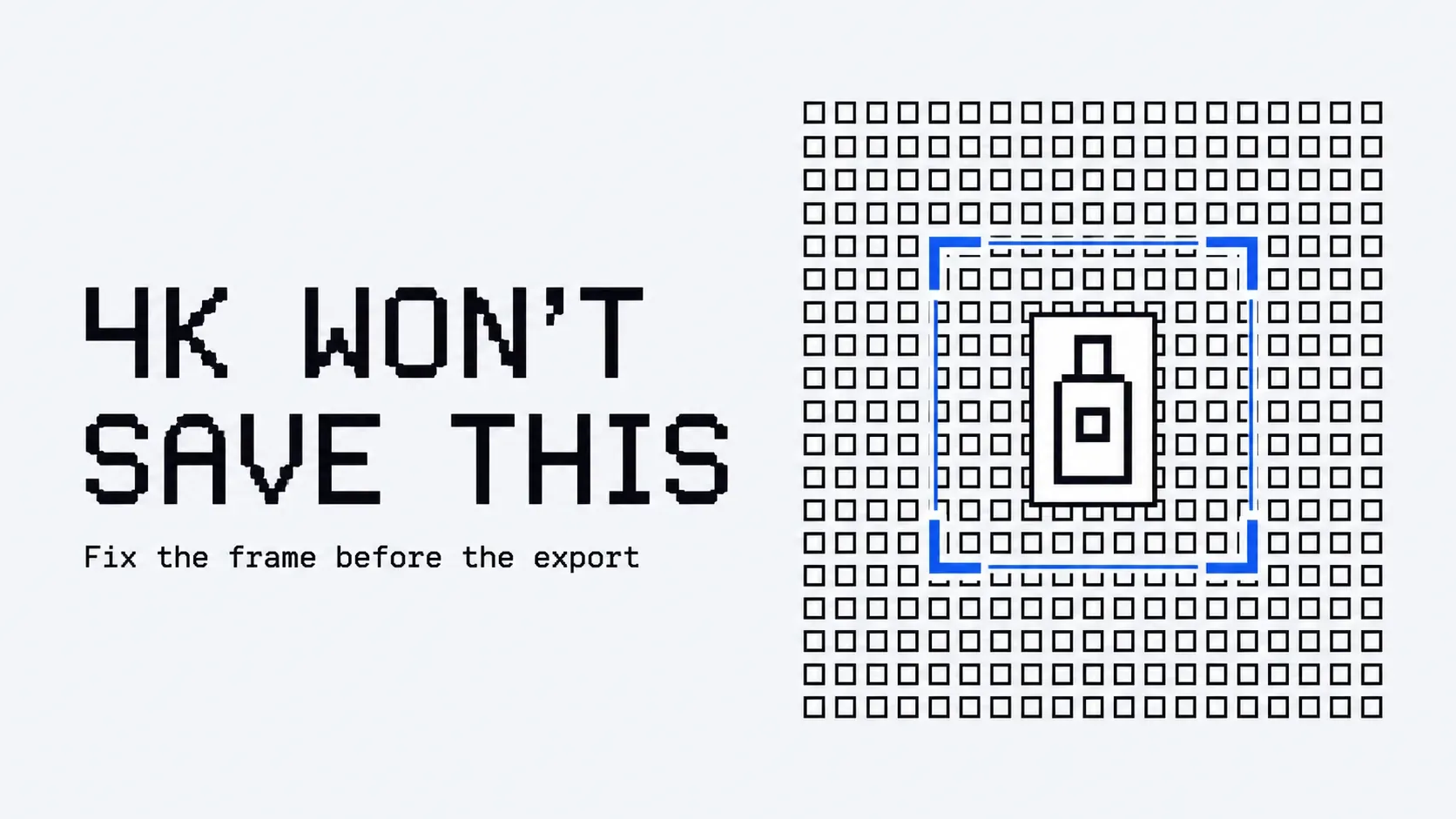
The resolution question is asked far more often than it matters, and it is almost never the reason a product video is hard to read.
If small text in your demo is unreadable, the cause is usually framing, then compression, then bitrate, and only then resolution. Doubling the pixels while keeping a full desktop window in frame improves nothing a viewer will notice, and costs you render time, storage and upload on every iteration.
What actually decides legibility
Work through these in order. Stop when you find your problem, because it is probably not the last one.
1. How much of the frame the subject occupies. A 1920x1080 application window shown whole gives a 14px label roughly 14px of final frame. Crop to the region that matters and the same label gets 40 or 50. This single choice outweighs every other item on this list, and it is free.
2. How long it stays on screen. Copy is read at about 160 words per minute, and every line needs about 900ms before its word count matters at all. A label that is technically legible but on screen for 800ms was never read. Resolution cannot fix a timing problem.
3. Contrast, and what the platform does to it. Delivery compression is aggressive on fine, low-contrast detail. Grey-on-grey UI chrome that looks fine in your editor is the first thing to smear. Increasing resolution does not protect it; increasing contrast does.
4. Motion during the moment that matters. A drifting zoom across a screenshot forces the encoder to spend bits on the whole frame every frame. Holding still while the viewer reads gives those bits back to detail. Still frames compress dramatically better than moving ones, which is a legibility argument as much as a file-size one.
5. Resolution. Last, and only once the four above are settled.
When 4K is genuinely worth it
Three cases, and they are narrower than the discourse suggests:
- You will crop or reframe in post. Shooting or rendering at 4K to deliver 1080p gives real room to punch in without softening. This is the strongest reason by far.
- The video plays large. Full-screen on a desktop monitor, a trade show display, an embedded hero that occupies most of a wide viewport.
- You are archiving a master. Render the master high, deliver whatever each channel actually wants.
Notice that only the third is about the final file. The first two are about the pipeline and the placement.
When 1080p is the right answer
- The video plays inline in a page, in an email, or in a feed, at a few hundred pixels wide.
- It is going to a platform that will re-encode it into oblivion regardless of what you upload.
- You are iterating. Ten revisions at 1080p beat three at 4K, and the tenth version of a video is almost always better than the third.
That last point is the one teams underrate. Resolution is a fixed cost paid on every single render, and it is paid in the currency that actually improves the video: how many times you can afford to redo it.
Vertical changes the question entirely
For anything vertical, resolution is not your constraint. The platform's own interface is.
Roughly the bottom 22% and the right 10% of the frame are covered by captions, handles and an action rail, plus a band at the top 7%. That is a quarter of your picture gone before you start, and no resolution recovers it.
The practical consequence: on vertical, reframe so the subject sits in the middle band and treat the edges as lost. A 4K vertical export with the key detail in the bottom fifth is a worse video than a 1080p one framed correctly, every time.
A note on frame rate, which people ask about next
For product video, 30fps is sufficient and is what most delivery targets expect. 60 buys visible smoothness on fast continuous motion, which product video mostly does not have: it has elements arriving, holding, and leaving.
Given a fixed bitrate, 60fps spends bits on temporal resolution you do not need, at the cost of the spatial detail you do. If the choice is 4K30 or 1080p60 for a screen recording, 4K30 is almost always the better-looking file.
The short version
Frame tighter. Hold longer. Then pick a resolution.
If you are still unsure after that, render the master at 4K, deliver 1080p, and spend the time you saved on a second version of the film.
Scenivia renders 1920x1080 at 30fps and applies the safe-area rules for each ratio automatically, so the framing decision is made before the resolution one ever comes up. Join the waitlist.