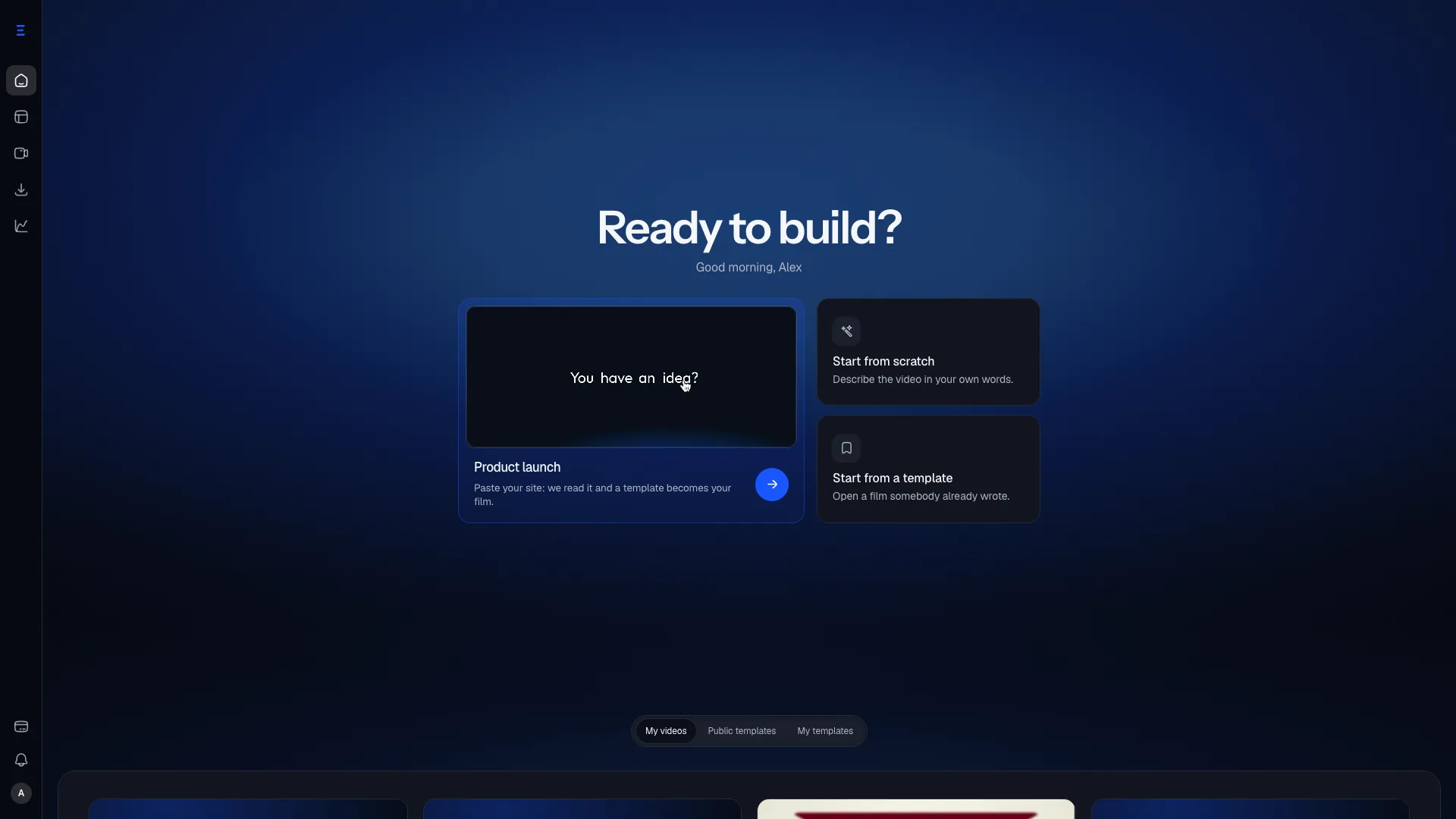
SaaS launch video from your website
Give your website, check the brand and the story Via reads there, and get a motion design launch film in your colours that you can still edit shot by shot.
Last reviewed October 9, 2026
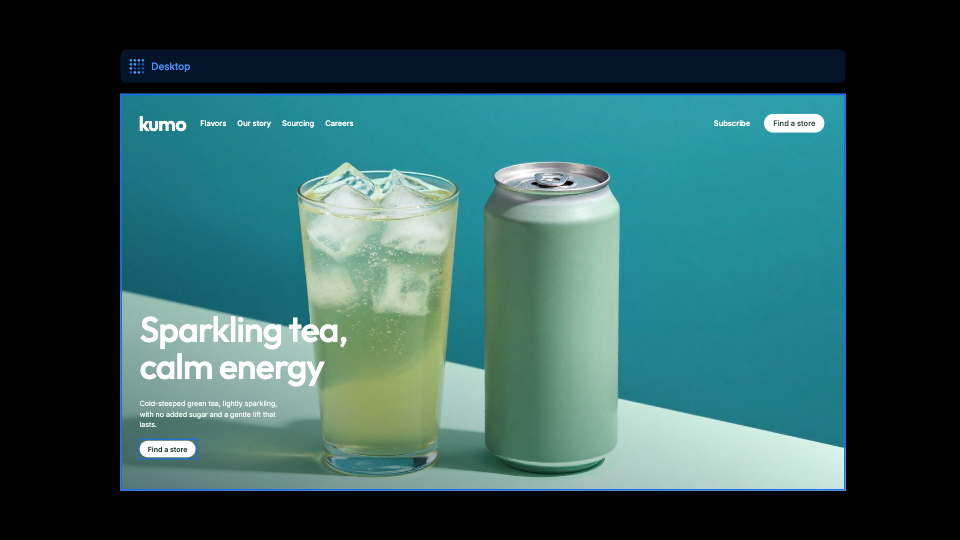
A founder launching on Product Hunt or in a changelog needs a film that looks like their product, not a generated lookalike. After Effects is too slow for a Tuesday ship, and generic AI video tools invent a look that is not yours.
How it works
Give your website
Type its address, or name your product in one sentence and Via finds the site. Via reads it and shows you the logo, colours and typeface it found, for you to correct.
Check the story, pick a template
A recap of what your site says, line by line, then a template you pick or one Via picks for your product. Your words, figures and screenshots fill it, in your brand.
Correct one shot, not the whole film
Double-click a text on the board to rewrite it, drag a picture to move it, change the timing on the timeline. A bad line never forces a full regeneration.
Where it goes
Product Hunt
The gallery slot, where a still frame competes with a film.
X and LinkedIn
The launch post itself, autoplayed and usually watched muted.
Your own hero
The loop above the fold, which has to survive being seen twice.
What it will not do
- It does not film your interface. A shot shows your real screen only when you import the screenshot or the clip; otherwise the template shows its own drawn interface.
- A short film, on purpose: up to 2 minutes, in 16:9, 9:16, 1:1, 4:5.
- Nothing is invented as a fact: what Via reads on your site is a proposal you confirm or rewrite before the film is made.