Feature announcement video from what you shipped
Describe the change in a sentence, attach the screens that changed, and get a short feature film in your brand that you can still correct shot by shot.
Last reviewed October 9, 2026
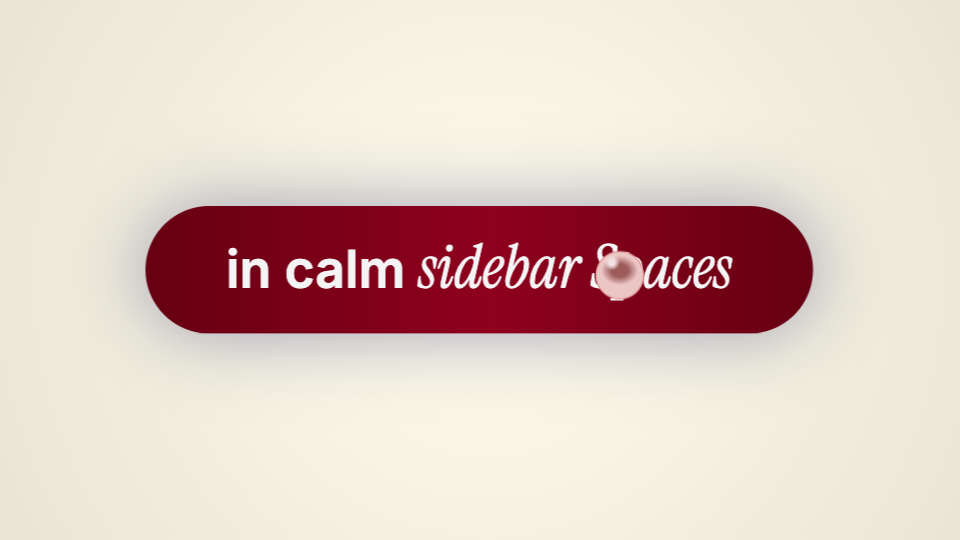
A changelog post with a static screenshot under-explains a new surface. A full motion design pass is too expensive for a weekly ship, and a screen recording shows the cursor, not the story.
How it works
Pick the screens that changed
Two or three screenshots or a short clip of the new control, attached to the composer. Not a tour of the whole app.
Name the change in one sentence
Say what changed and for whom. Via asks what it still needs, then makes the film from a template; shorten it on the timeline to fit the panel it plays in.
Export when the line is true
Credits are spent only when an action succeeds. A failed export is refunded, and the file stays in Exports to download again.
Where it goes
The changelog entry
Where a static screenshot under-explains a surface that moves.
In-app what is new
Fifteen seconds is the whole budget before the panel is dismissed.
The release email
A poster frame that has to read at thumbnail size in an inbox.
What it will not do
- Understandable with the sound off. Music and sound effects are optional, and a film reads without them.
- It shows the screens you give it. It does not record your product or guess what changed.