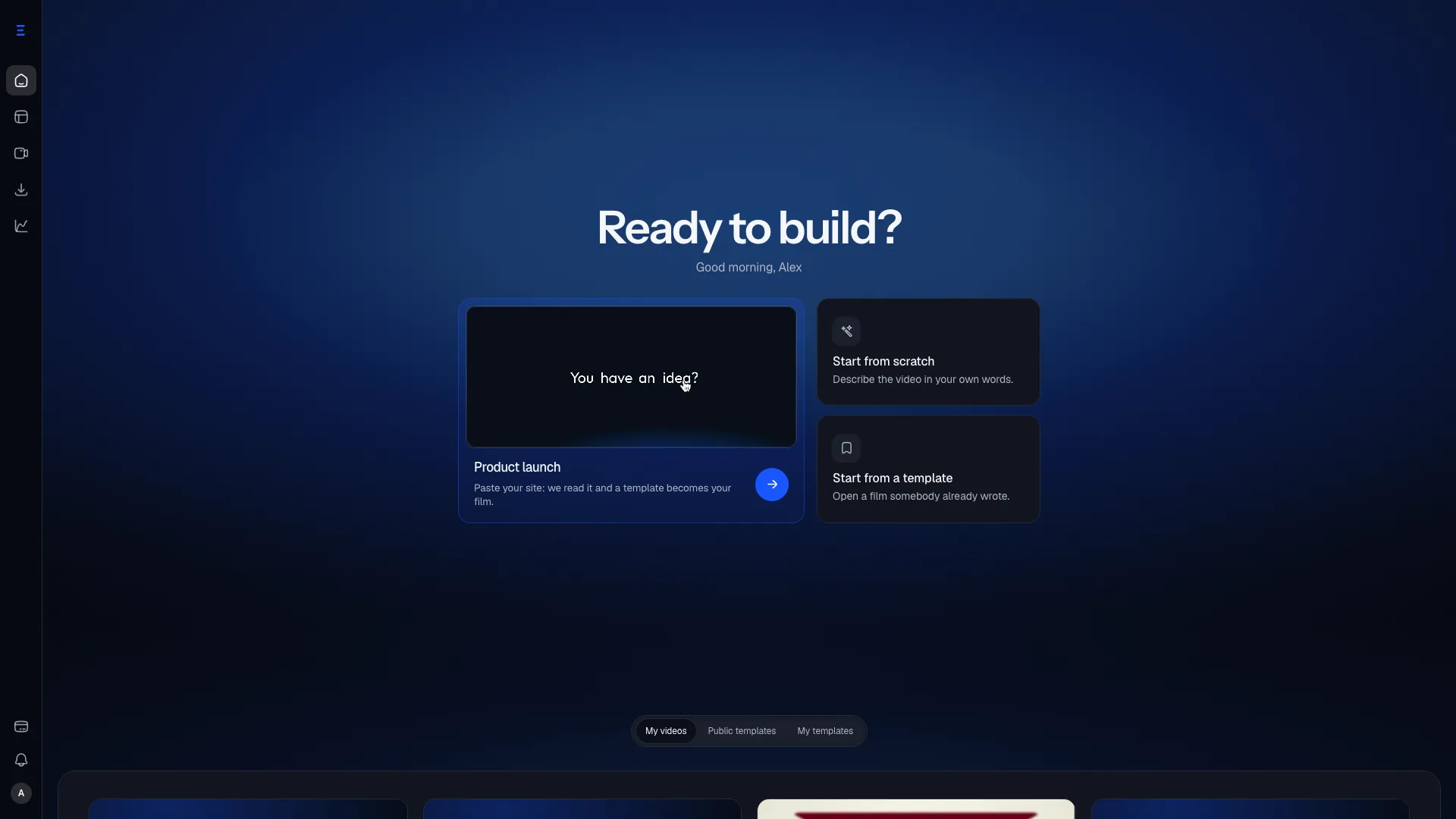
Product demo video without a screen recording
Build a short demo that keeps your real screens in shot, in your brand, timed on the timeline, instead of talking over a cursor.
Last reviewed October 9, 2026
A Loom of the dashboard is honest and slow. A cinematic AI demo is fast and false. Sales wants something a founder can send that still looks like the product.
How it works
Show the path, not the whole app
Three or four screens in the order a buyer meets them. A demo that needs a tenth step is a recording, not a film.
Keep your screenshots
A shot built on a screenshot or a clip shows the file you imported, never a redrawing of it: real pixels, not a generated mock.
Pick the shape of the inbox
Wide for a pricing page, square or vertical for a message: 16:9, 9:16, 1:1, 4:5, chosen on the composer and changeable later.
Where it goes
The outbound email
Watched for four seconds before the reader decides. Or does not.
The pricing page
Where a demo answers "what am I buying" faster than a feature list.
The follow-up
Sent by somebody who was not in the room and cannot narrate it.
What it will not do
- No voice of your own yet. Some templates carry a narrator, and a line you rewrite there is silent in the export for now, so the film has to read with the sound off.
- Up to 2 minutes. A longer walkthrough belongs in a recording tool.